Show your rooms at their best.
Photos, amenities, included services and prices by occupancy appear on your website, so guests know what to expect before they enquire.
Room reservations for guesthouses and inns
Who is arriving when? Which room is available? With benvido, showcase your rooms on your website, handle enquiries and keep track of offers and bookings.
For hosts with rooms of their own – from first contact to departure.
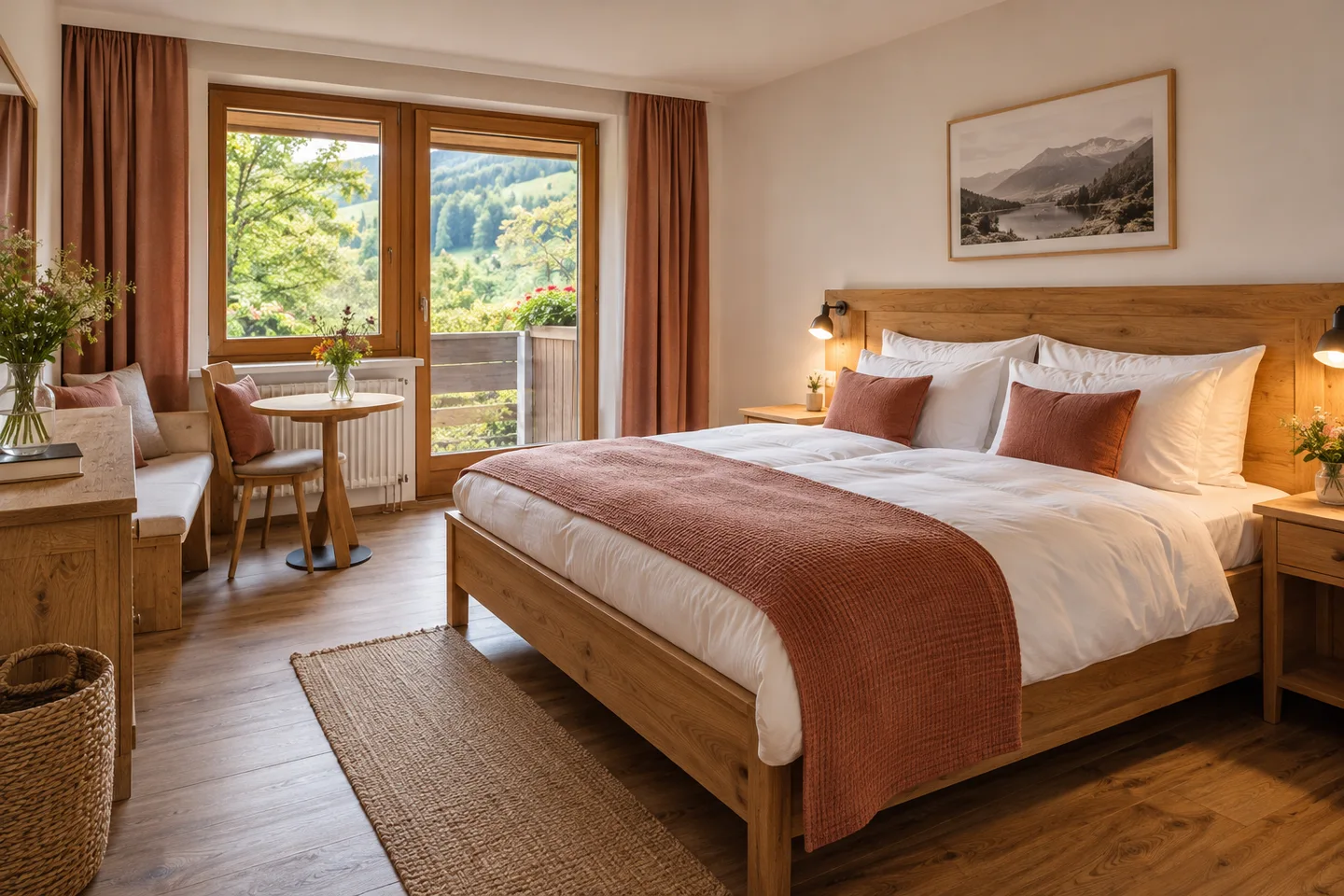
Whether you run a guesthouse, an inn or a small hotel, clear processes make overnight stays easier to manage.
Photos, amenities, included services and prices by occupancy appear on your website, so guests know what to expect before they enquire.
Online enquiries and telephone bookings share one overview. Contact details, stay information and notes stay with the booking.
The calendar shows occupied and blocked rooms. Assign rooms and record arrivals, departures or no-shows.
From enquiry to booking
Your guest selects arrival, departure, room type and occupancy, then enters their contact details. The enquiry is not yet a confirmed booking.
Review the enquiry, assign rooms and set prices, included services and terms. Send the offer by email.
Your guest accepts the offer through their personal link. The confirmation and current status remain available to you.
An everyday example
A couple enquires about a double room from Friday to Sunday. Check occupancy, choose a room and include the stay and breakfast in your offer. Once accepted, the confirmed booking appears in your calendar.
Your business in one place
Do you rent rooms and run a restaurant? With benvido, manage your online presence and handle table and room enquiries in the same system.
Book a demo ↗Good to know
No. You receive the enquiry first, check occupancy and send an offer. Your guest can accept it through a personal link. You can also confirm bookings that have already been agreed.
Yes. Add room types with photos, amenities, included services and prices by occupancy. Then assign each individual room to its room type.
Enter arrival, departure, room preferences and contact details yourself. Then manage the booking alongside your online enquiries.
Yes. Block rooms for renovations, personal use or other periods when they are unavailable. These blocks are taken into account in the occupancy view.
Yes. Guests see your rooms on your benvido website and submit their enquiry there. The offer and confirmation then stay with the same booking record.
Your next step
We will show you benvido using the tasks that matter to your business. Together, we will discuss features, setup and your personal offer.
Book a demo ↗